My first App Store app is a game
But why for Apple Watch of all platforms?
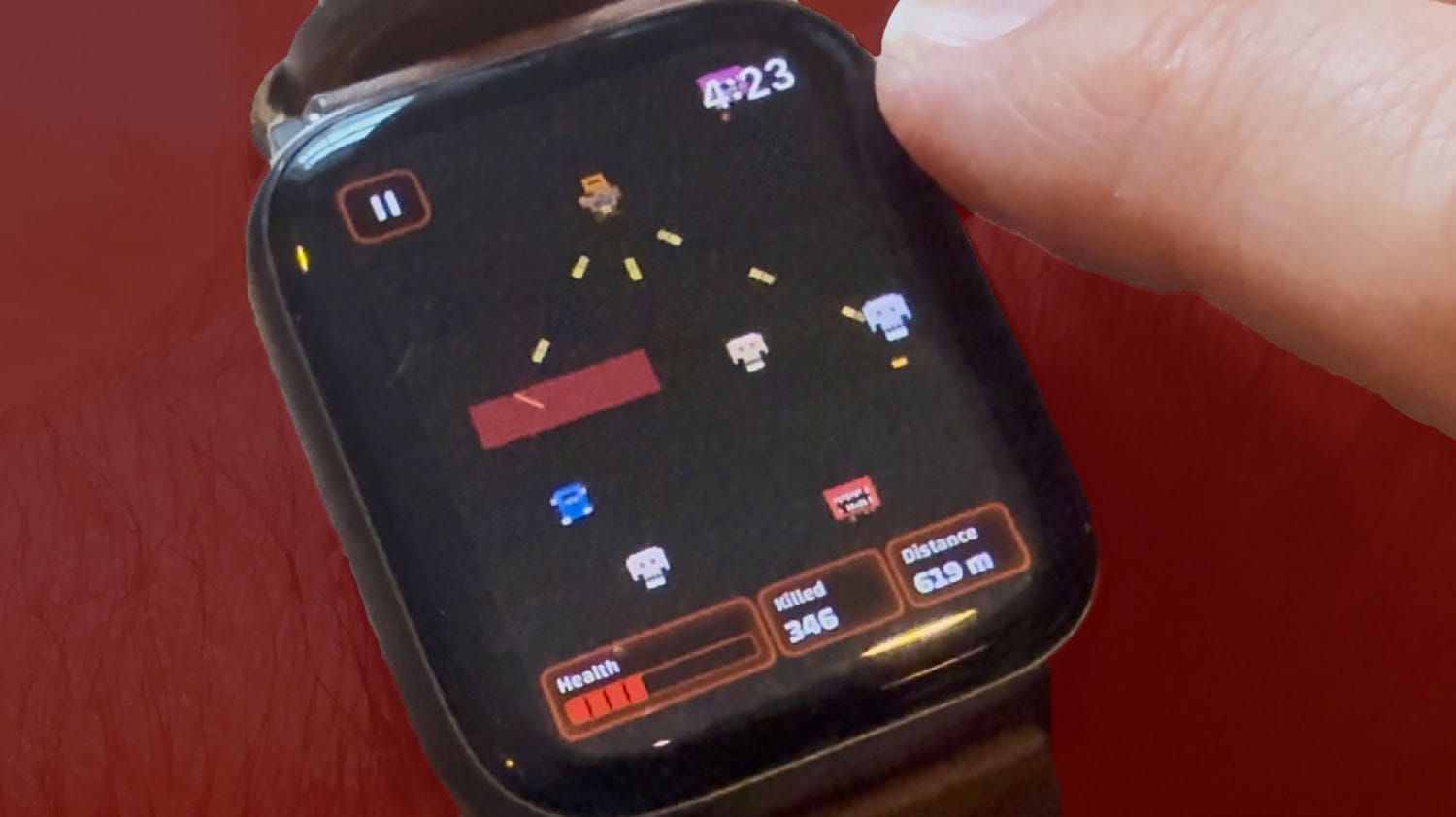
TL;DR: Doomscroll is now a game for Apple Watch, and I think it’s a perfect match of game and platform. Available now!
I don’t know for sure, but I imagine most people with an Apple Watch mainly use the stock apps, maybe add a few fitness apps, and that’s it. But I think it’s a great little platform for short games when I’m in a situation where I don’t want to pull out my phone but have just a few minutes to kill, like sitting in a doctor’s waiting room or waiting for a school play to start.
There are some fun multi-game collections for Apple Watch like Arcadia that include simplified mini-game versions of things like bowling and pinball. And there’s even a video game emulator for Apple Watch called ArcEmu for playing classic games, if you can find any that are a good match for the platform.
But recently I was growing a bit tired of the Watch games I have, and I wished people would make more games for the Watch. But there just aren’t that many games that are easily played with just one hand tapping on a tiny screen, or just by turning the Digital Crown. People should make more games you can play just by turning the Crown.
And then I realized: Wait a minute. I already made a game you could play by just turning the Crown!
You may remember a year ago, I released a web browser game called Doomscroll. It scratched an itch I had to see if I could make a game where the only thing you did to play was scroll.
I wrote a whole big thing about how I vibe-coded it before the newest advanced wave of coding tools made this kind of thing so much easier. The article and game landed on the front page of Hacker News, where the discussion around it seemed to be, “Look, you can actually vibe-code something that’s still novel and has originality. Vibe coding can be a tool for someone to bring their own creativity.”
That same mechanism that made the game novel – playing just by scrolling – was perfect for the Apple Watch’s Digital Crown. So when Anthropic released their new more-advanced coding model a few months ago, I decided to see if I could use it to port Doomscroll from a web game to an Apple Watch game.
This would be the perfect match of game and platform! I can’t believe I didn’t think of this sooner! It’s so obvious!
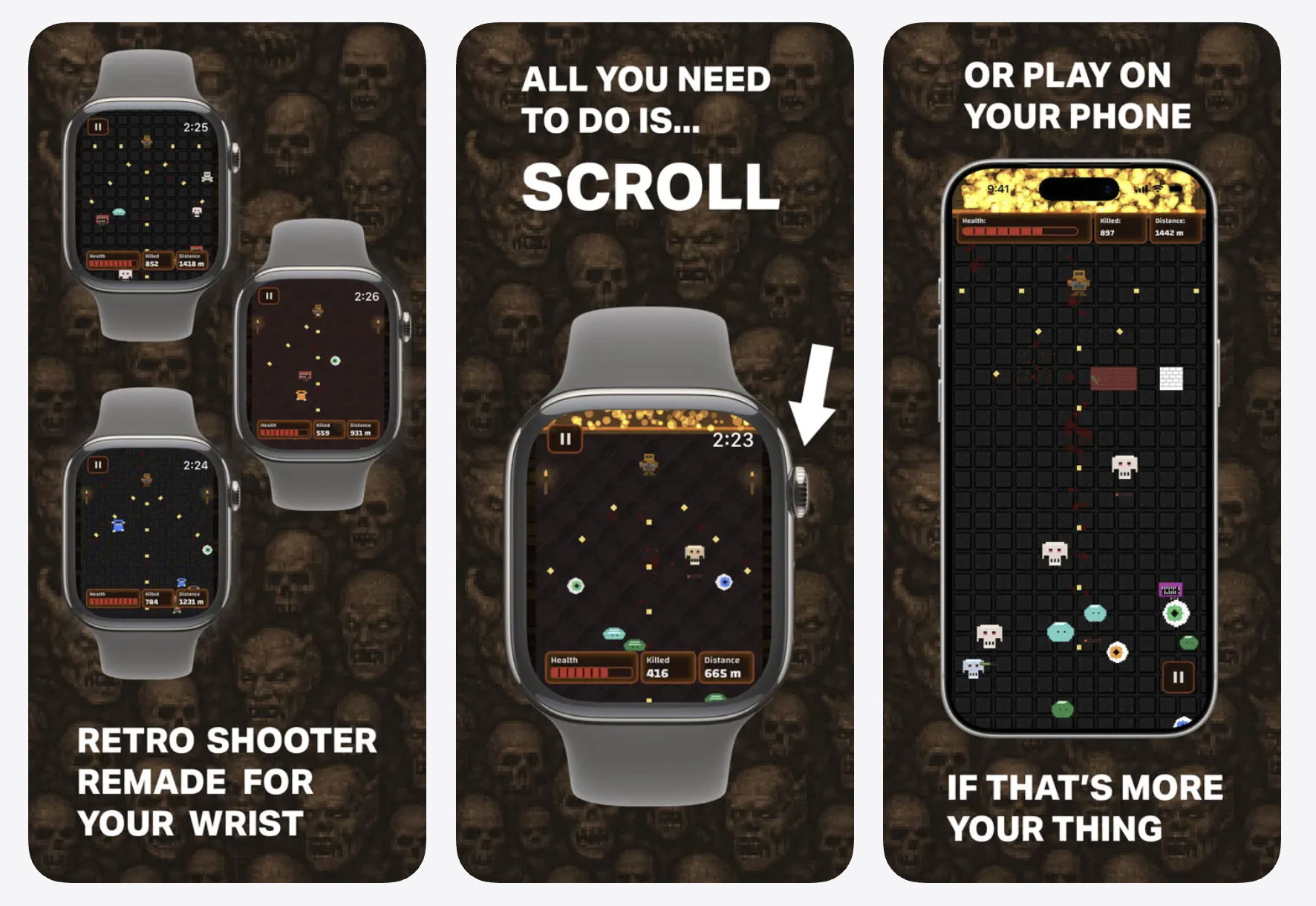
(If you get the game, you can play it on the iPhone, too. But you could always play the web version on mobile devices, so that’s not a big selling point. I mainly made it for the watch.)
The App Store backend kinda sucks
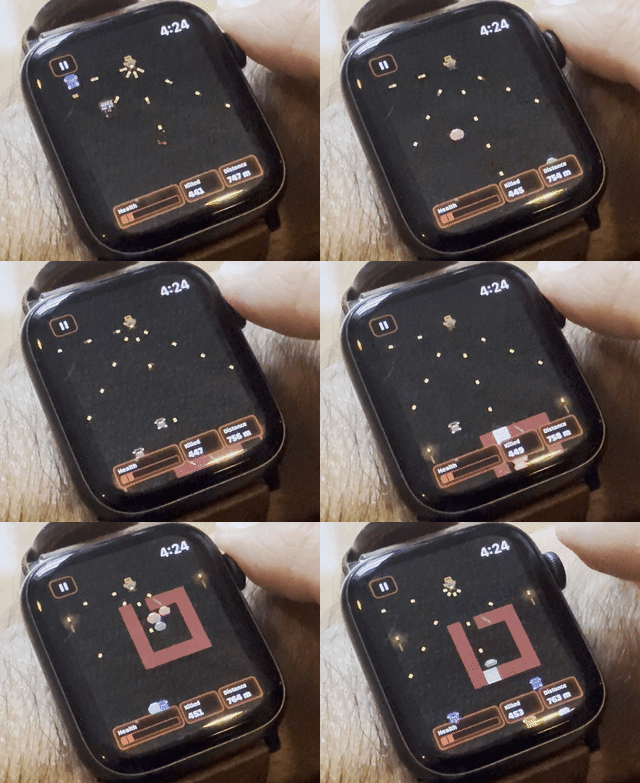
By now I’ve done enough vibe coding projects that porting the game from JavaScript to Swift wasn’t the hard part, although I’m still completely shocked at how easy it was for a non-coder like me to do something like that with AI.
Aside from just porting the code, there were a lot of adjustments I had to make in order to keep gameplay feeling the same on a smaller surface. And I made some other changes, too, like: the original game incorporates headlines from the current day’s news via RSS as a nod to literal doomscrolling. It’s a background element that doesn’t affect gameplay and wouldn’t be readable on the small watch screen, so I removed those from the watch version. And out of concern for copyright implications of using a real newspaper’s headlines, or anything breaking if a newspaper changes their RSS feeds, I replaced the real headlines with fake humorous headlines on the iPhone version.
I also changed the main character from green to orange, to remove similarity to the main character from the Doom series, out of trademark concerns.
Once I was happy with everything, then I had to figure out how to get it on the App Store.
There are something like 30 million registered developers in Apple’s ecosystem, so there’s nothing particularly revolutionary about me joining the ranks and putting something on the App Store. Literally millions of people have done it. But I still have always wanted to go through the experience and see what it’s like.
And holy hell does it suck.
Millions of people actually do this?
If you’ve never seen the backend of Apple’s App Store, just imagine the worst app you had to use at your last boring office job, that custom-built tool where you didn’t know why things were put where they were, or how to find anything because it’s not under the tab where you expected it to be. You know the app, the one where you can’t be sure you actually entered all the fields you were supposed to until you hit submit and you find out you’re missing a bunch of info, and then when you finally get it all entered you’re not sure whether anything actually happened when you submitted it or if all your work disappeared into the ether.
That’s what this is like.
I’m sure a lot of thought has gone into it, and it probably just feels overstuffed to me because I don’t understand all the intricacies, and there are lots of things that probably just don’t apply to every app but still need to be included. And maybe experienced app developers know their way around the App Store Connect backend like their own backyard. But yikes.
Somehow, with a lot of help from Claude to walk me through it, I managed to get my app up on the store, in the hands of beta testers, and eventually released into the world.
Now what?
The game has been sitting in the App Store ready to launch for two weeks. I’ve just kinda put off releasing it out of anxiety. What if people don’t buy it? What if people do buy it and don’t like it? What if it just gets lumped in with all the AI slop people are putting out now?
Plus, I already know that Apple Watch is not a huge gaming platform. And discoverability on Apple Watch isn’t great. When was the last time you browsed the App Store for Watch apps?
So maybe people will buy it, or maybe they won’t. But I’m glad to have gone through the experience of putting an app up on the store. It’s something I’ve always wanted to do, so now I can check that off my bucket list. And the next time I get an idea for something that I might want to put on the App Store, I’ll know what to expect.
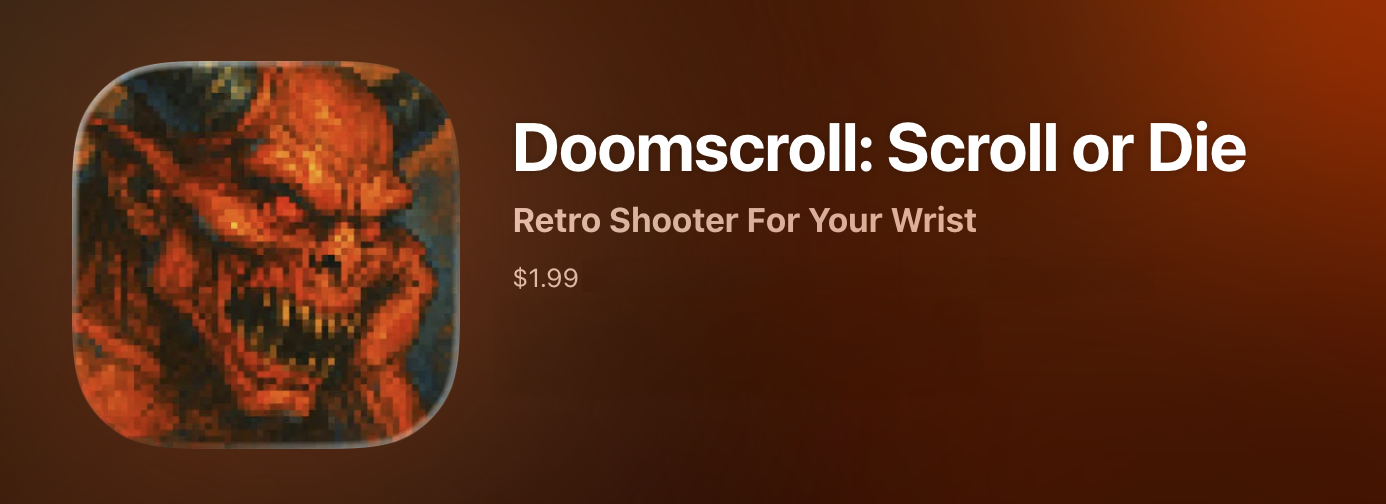
But you should get it!
If you have an Apple Watch, you should totally get Doomscroll! It’s fun for 20 seconds or 20 minutes. And it’s a cheap way to support this newsletter, too.
And if you want to try the game first, or you don’t have an Apple device, the web version is still there! In fact, not long ago I added a leaderboard and someone named Catherine has been absolutely killing it. She dominates the all-time scores. In her top game, she scrolled 4,022 meters and slaughtered 11,697 monsters. I still don’t think I’ve crossed 3,000 meters. But see if you can beat her!

And that’s it for another newsletter. Thanks as always for reading, and I’ll see you next time! Meanwhile, go get Doomscroll! And be sure to rate it on the App Store!
David