The All-Updates Edition
Well, okay one new thing
I’m on vacation this week, so the newsletter’s going to be a bit light. But I do have a few updates.
DOOMscroll Now Has A Leaderboard
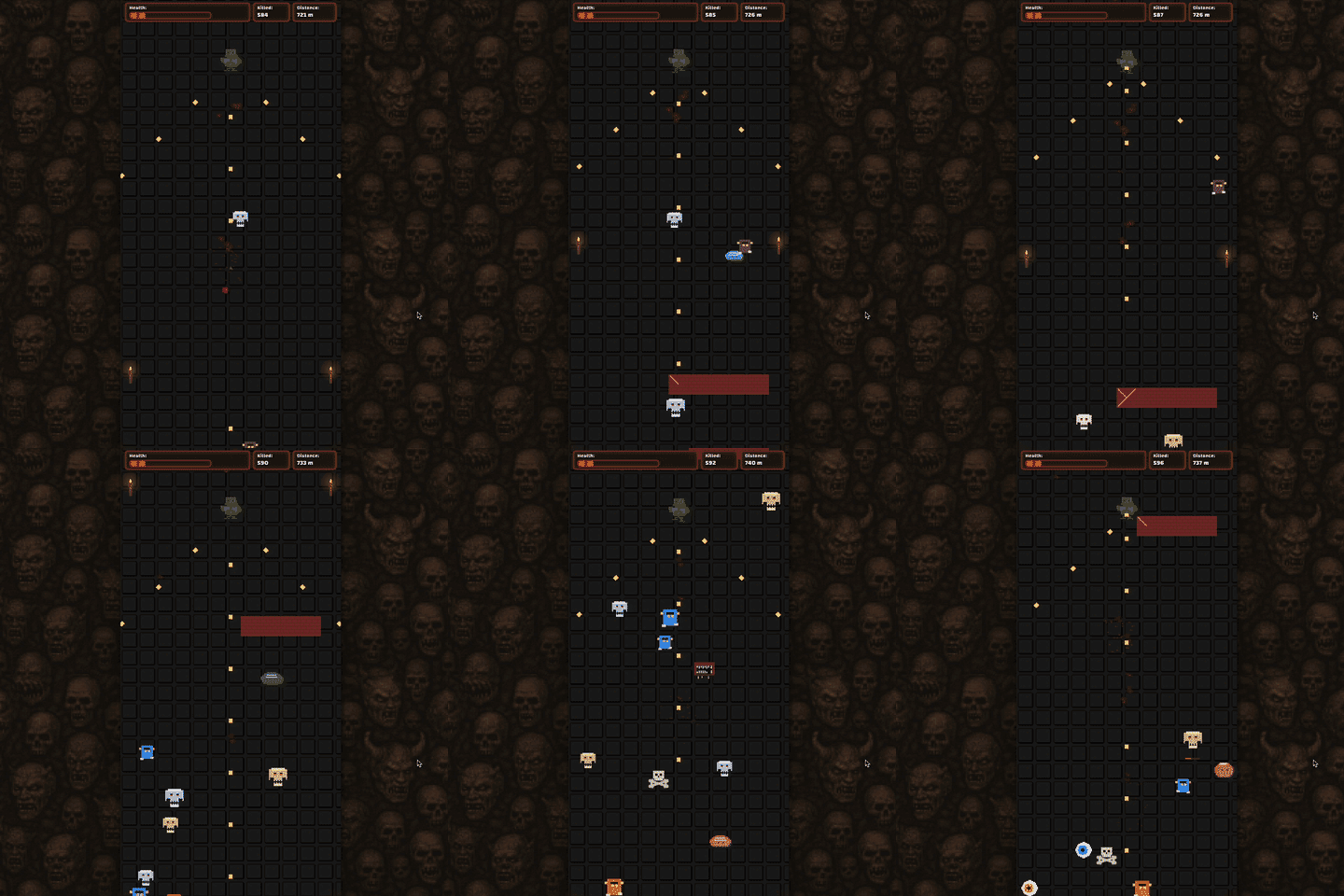
I should really have done this a long time ago if I was going to do it at all, but I finally added a leaderboard to DOOMscroll, the game I made to see if it was possible to make a fun game that you play only by scrolling.
Around 50,000 people played DOOMscroll the week I launched it, and lots of people asked about a leaderboard. The number of players has steadily declined as the novelty has passed, and now only around 250 or so people play it each week, which is probably not enough to bother making an update like this. But for those 250-ish people, they can now see how they stack up against other players.
Gisnep Now Syncs Across Devices
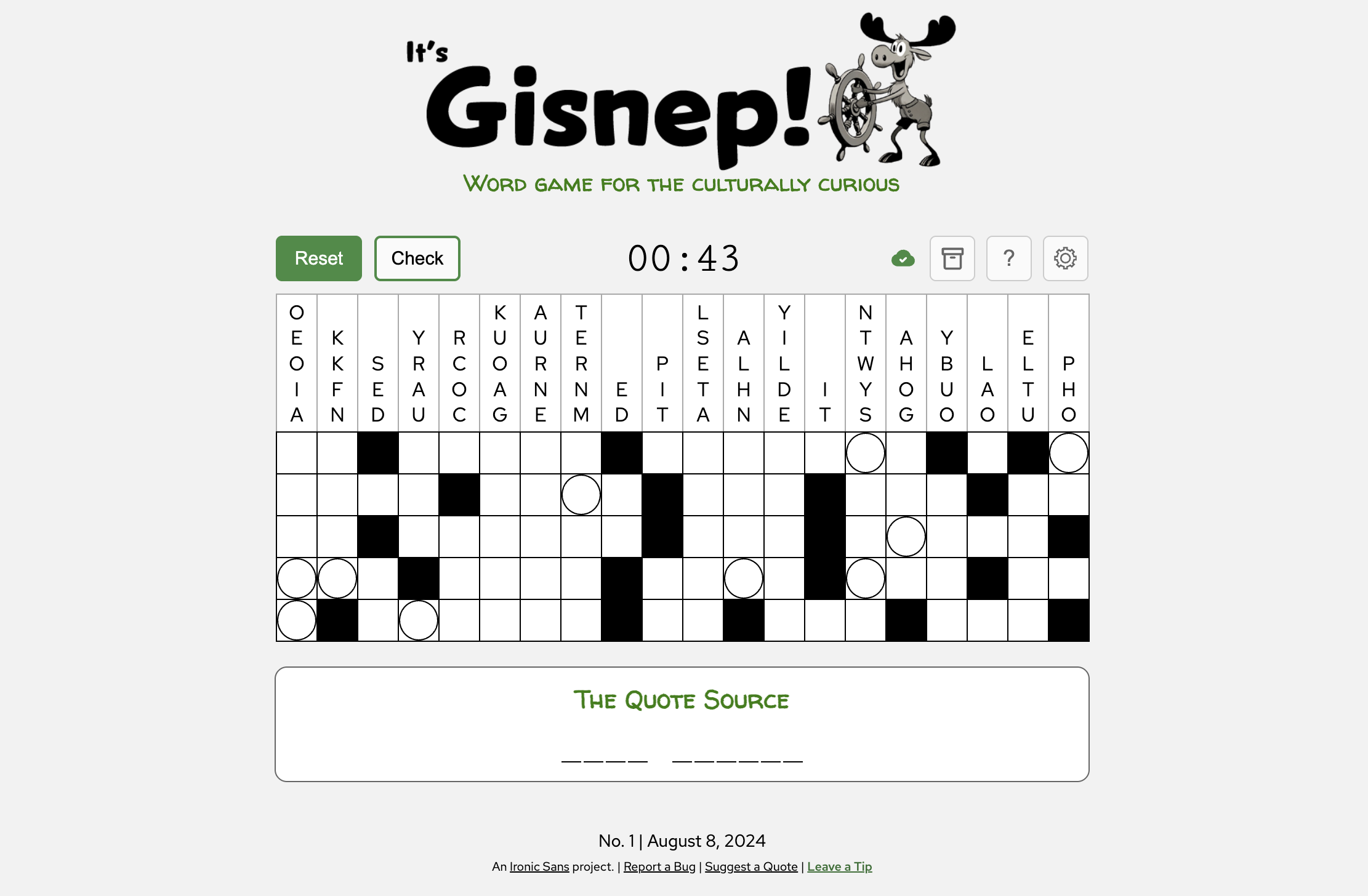
A lot more people still play Gisnep. Some people play Gisnep at home or on the go, on desktop or laptop. Now you can log in using your Google account to sync your progress across all your devices rather than just keep each computer’s progress stored on a single browser on that machine. I’ve also made improvements to the mobile experience. So if you haven’t played in a while, or if it’s completely new to you, now’s a great time to jump in. There are almost 700 puzzles in the archive!
A Brand New App For Screenwriters
Okay, this isn’t an update. It’s a new thing. But it feels very scary to announce something like this, so I’m burying it third on a list of updates. So sneaky of me. And it’s probably not actually relevant to most of you.
Being a video producer and director, I sometimes write short screenplays, which have specific format requirements. There’s a lot of software out there for writing screenplays, both standalone apps and web-based, free and paid. I like Highland and Beat for my personal work. They’re both clean and simple and inexpensive (Beat is free, actually).
But I found myself recently needing to write a short screenplay on a locked-down laptop where I couldn’t install software. I found some web-based screenwriting tools, but they felt quite clunky to me, or were subscription-based to unlock features I needed, which was unfortunately a non-starter in my situation.
I needed a good, free, web-based screenwriting app that didn’t require user accounts, and bonus if everything could even stay local on the user’s machine. Maybe such a thing exists, but I couldn’t find it.
Since we live in a world now where you can just say “I wish this app existed” and then make it in a matter of days, I did. It started as a simple screenplay text editor that formatted for me as I wrote, exported as production-ready PDFs, and also let me save my file in the .fountain screenplay format (which is a portable plaintext format like markdown, but for screenplays).
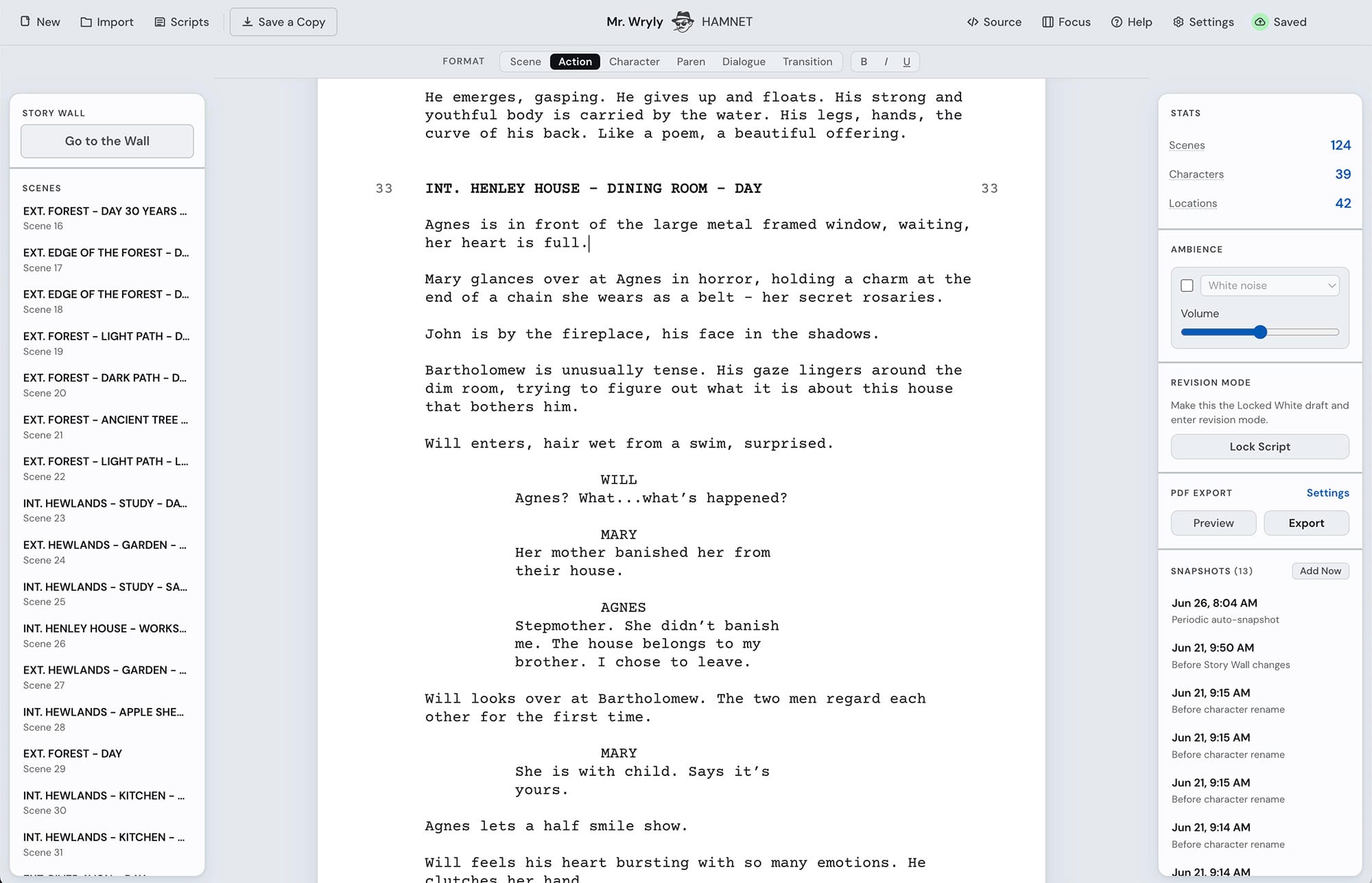
I was having fun so I kept working on it. I added features. I made it better. Now it saves snapshots as you work. It tracks revisions. It has a “Story Wall” mode where you can rearrange scenes as index cards or as a timeline. It imports Final Draft files and PDFs. It tracks characters and locations so you can rename them globally. It exports breakdowns as spreadsheets. It has a Focus mode that hides distracting elements and a built-in White Noise machine to help you concentrate while you write. None of it costs anything to use. And it doesn’t require an account.
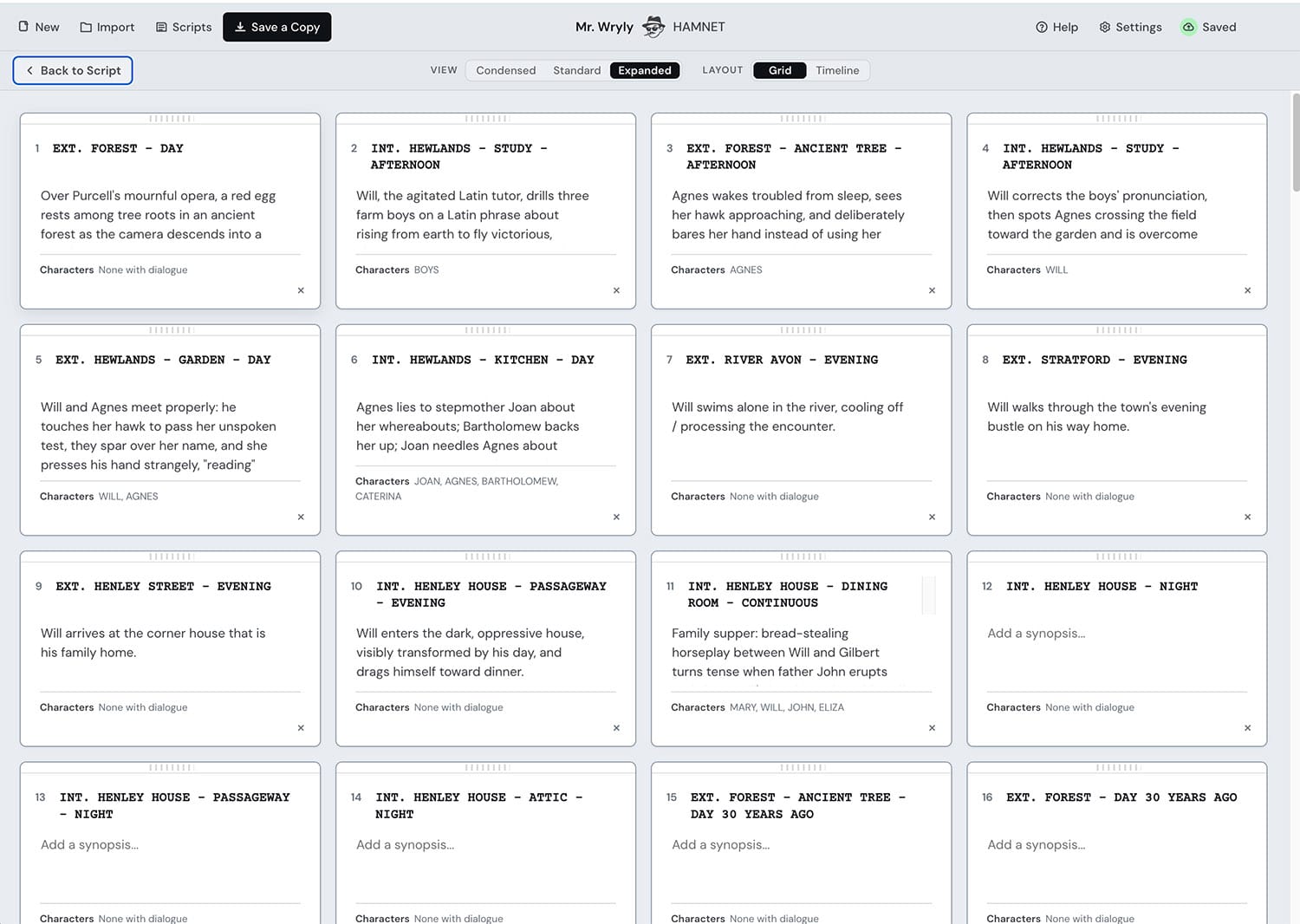
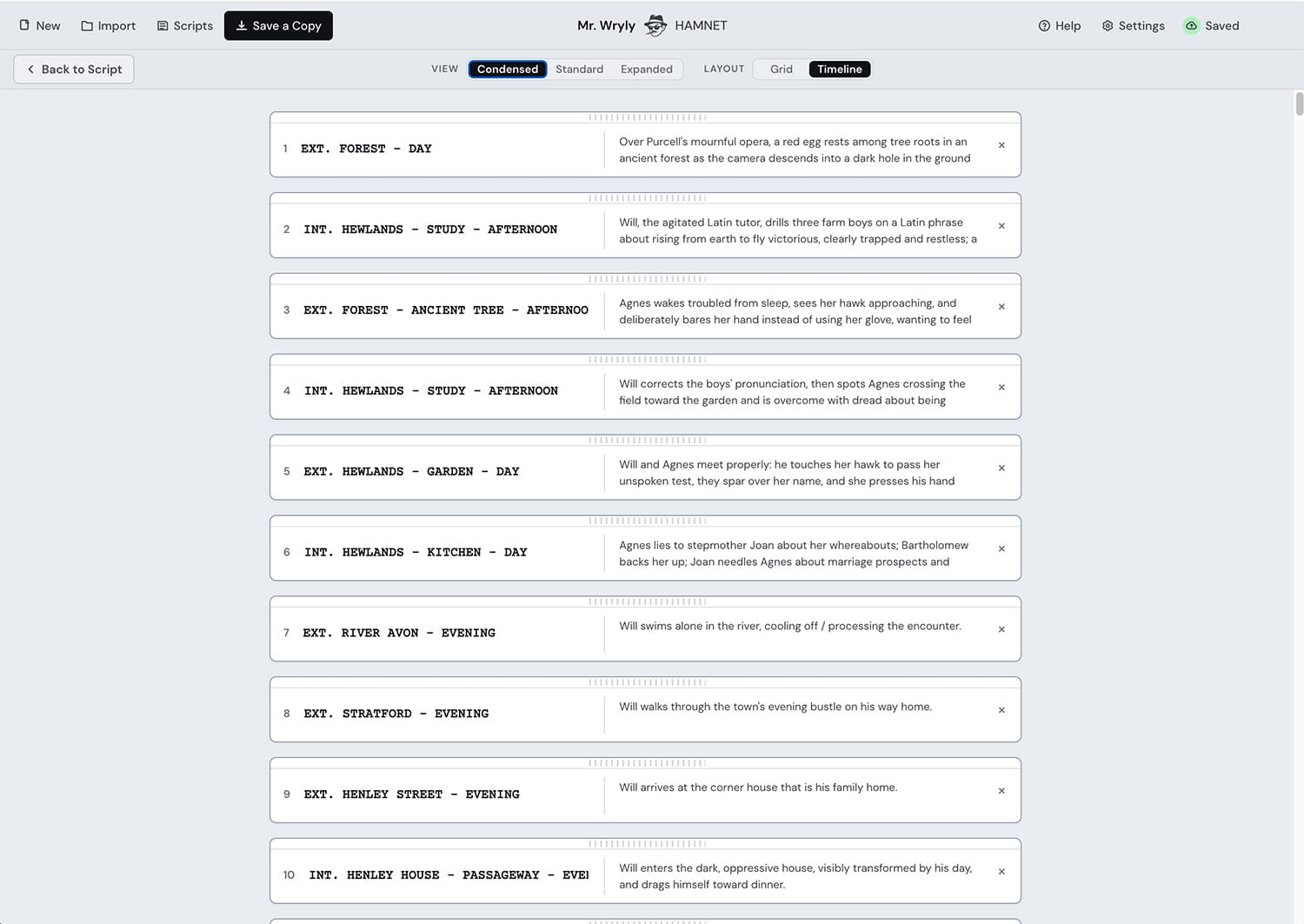
The app keeps all your work in your browser’s storage area, saving as you write so you can always resume later. But the browser has a pretty limited amount of storage, so optionally logging into Google unlocks some extra features including Cloud Sync, using your Google Drive as additional storage space.
To a certain extent, I know that I’m re-inventing the wheel. Many screenwriting software options exist, and I’m sure other people have vibe-coded their own tools. But the beauty of vibe-coding is that I get to re-invent it in a way that works for me. And if it happens to be good for other people, too, that’s great. Maybe there are other people in the same boat who need free screenwriting software that runs in the browser and doesn’t require making an account.
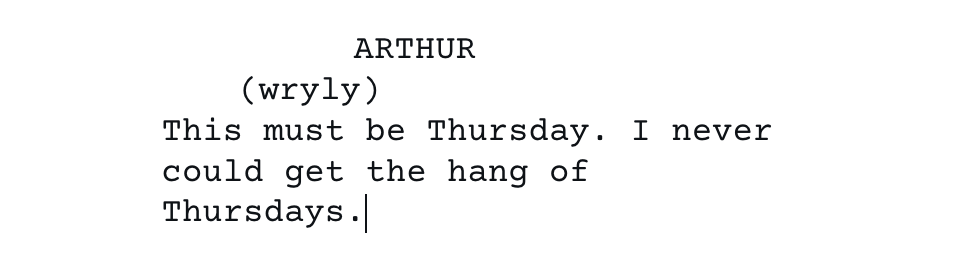
One I got this far, I realized I need to give this app a name. I finally came up with something I like that also had an available domain. It has personality. I call it Mr. Wryly. The name is a bit of screenwriting wordplay. This kind of parenthetical in a screenplay is sometimes referred to as a “wryly”:
It’s scary to release something like this for other people to use because screenwriting is work and if someone is going to depend on something I made for work, that’s a lot of pressure to make sure it, well, works.
So if you want to try it out, consider this as beta software and expect bugs or missing features. There are multiple ways to save and export everything you do, and .fountain is a portable format so you could always try it out, give me feedback if you want, and take your work elsewhere if you don’t like it. In “Settings” you can even download everything that’s stored on Google Drive at once.
I’ve never tried to make anything quite like this before. I probably violated all sorts of UX best practices, but I tried my best. Let me know what’s confusing for you. I can take it.
I still have more features I’ll be adding (working on a mobile “light” version) and stuff to improve. If there are any screenwriters out there among you, I’d love to hear your thoughts. Am I wasting my time reinventing the wheel? Are there features you see that are broken? Do you have a dream feature than no screenwriting software has but you’ve always wanted? Let me know.

So to recap that last thing: I announced a new app to a group of people who mostly don’t need it, said it might have bugs and that you should let me know if you found any, but also I’m on vacation and so I’m not likely to read any feedback in time to do anything about it right away.
That’s how you launch software, right?
Anyway, that’s it for this newsletter. Next time, I’m going to have something that every single one of you will find relevant. I just need to figure out what it will be.
See you then. Thanks as always for reading!
David